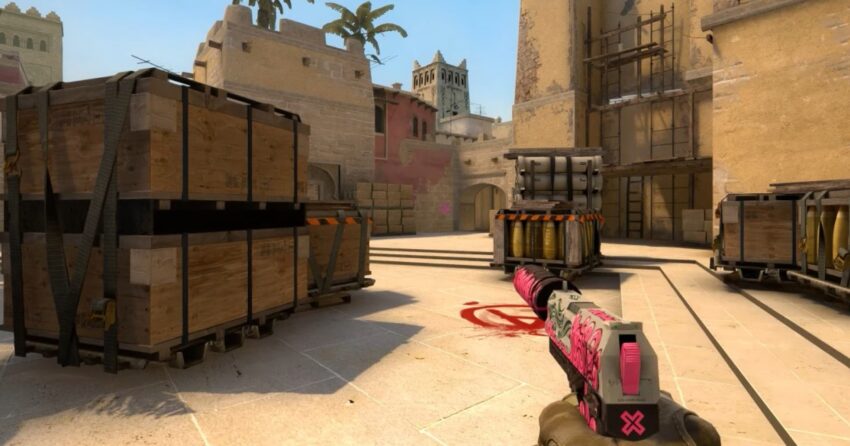
Those who play CS:GO have surely noticed that there is a swing and shake of the hands when moving with a weapon. For many players, these settings cause some discomfort, so it makes sense to consider console commands that disable hand shake in CS:GO. It is worth noting a few nuances right away:
- It is not possible to completely eliminate hand shake, only reduce it to a minimum
- Commands to reduce hand shake are not considered cheats, so they can be used in official matchmaking. However, their use is prohibited in some major tournaments.
Commands to reduce hand shaking in CS:GO
The following commands are available in the game:
- cl_bob_lower_amt 0 – disables the movement bobbing of the hands, the degree of bobbing can be adjusted from 0 to 21.
- cl_bobamt_vert 0.1 – allows adjusting the weapon shake on the vertical axis, with a minimum of 0.1.
- cl_bobamt_lat 0.1 – reduces the weapon sway from side to side, with a minimum of 0.1.
- cl_bobcycle 0.1 – reduces vibration and image amplitude during movement, with a minimum of 0.1 (default is 0.98).
- cl_viewmodel_shift_left_amt 0.5 – additional reduction of barrel sway to the left.
- cl_viewmodel_shift_right_amt 0.25 – additional reduction of barrel sway to the right.